Hi Alexander.
First important note that it's the first time i use a Paspberry ,Python or PHP
And also I follow your TUTO with Google translate because don't know German.
I use Windows 10 and a Rasberry PI3 .
Here small remark than maybe can help Beginner.
The Beginner problem i have and solve.
Each time there is command line Google translate it so need to pay attention Example Sudo is different sudo.
In Uploader.py to put the correct ARDUINO_BUILD_DIR i use copy and past from Windows but
Windows use '' to separe to folder and Python '/' i spent 1 hour on this simple problem. Grrrrrr
Don't know why but the Hostname rasberrypi is correct in the dmesg but never work on my PC i always need to use the IP adress.
EDIT
Finaly i solve this issue:
Need to install SAMBA on the PI so Windows can view the Hostname
sudo apt-get install samba
Now no problem with DHCP
END EDIT
Here small problem i have with Nano board and need explain or help.
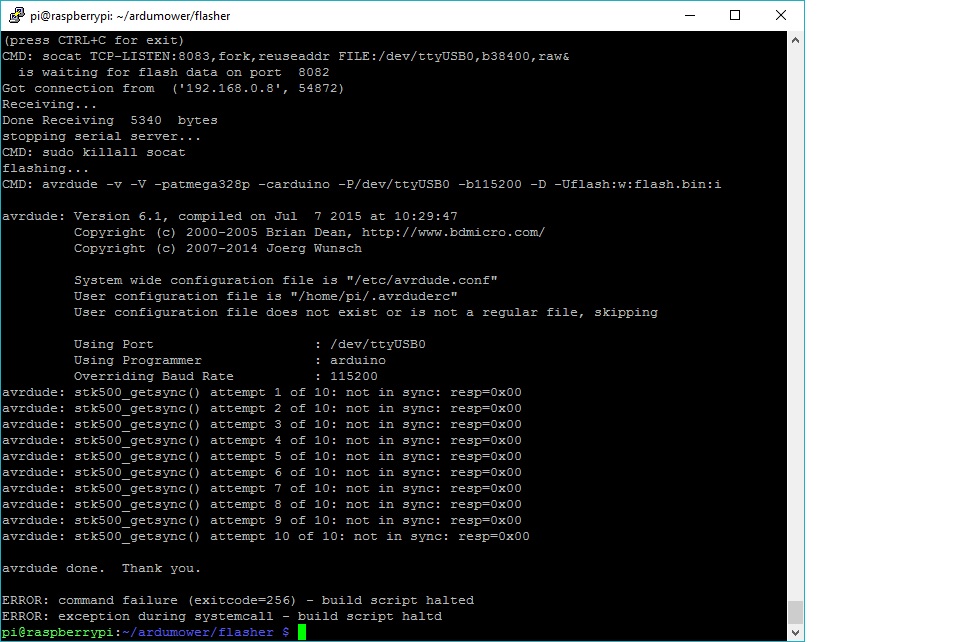
At first i begin all my test with a Nano board and i can't make avrdude work in manual mode.
The nano is detect as ttyUSB0 so i compile a flash.bin for nano download it in the PI3 and type.
avrdude -v -V -patmega328p -cwiring -P/dev/ttyUSB0 -b115200 -D -Uflash:w:flash.bin:i.
or
avrdude -v -V -patmega328p -carduino -P/dev/ttyUSB0 -b115200 -D -Uflash:w:flash.bin:i.
But it never work Timeout error each time. :evil:
After i test with Mega and it's work very well with Python 5.5 chapter
The mega is detect as ttyACM0 so what is difference
ttyACM0 vs ttyUSB0 ?? i compile a flash.bin for mega download it in the PI3 and type.
avrdude -v -V -patmega2560 -cwiring -P/dev/ttyACM0 -b115200 -D -Uflash:w:flash.bin:i
And it's work each time.

The Uploader.py and flasher.py work very well.
At this point i test the 5.6 chapter
The connection is OK Serial TCP and reset
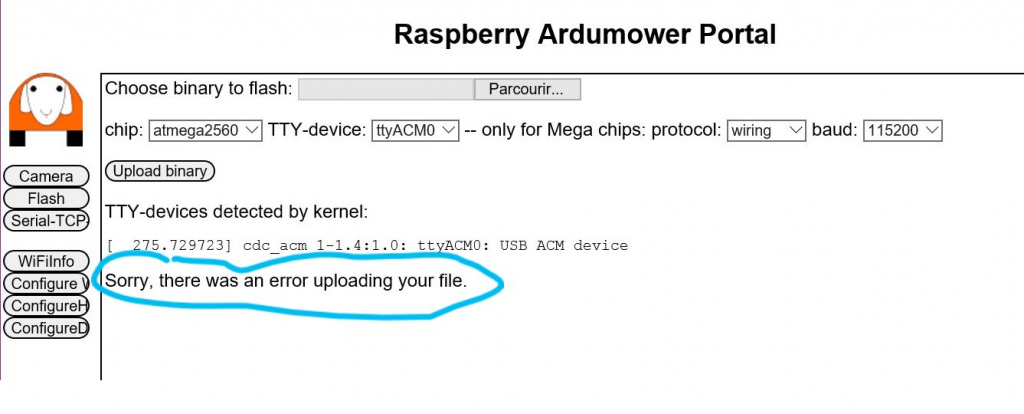
Arduino work but flash don't work .
Is there Something to change in PHP ??
Congratulation for the TUTO and thanks again because the most important work.
Attachment:
https://forum.ardumower.de/data/media/kunena/attachments/3545/nanoavrdude.jpg/